
Allow about 4 minutes to read and 7 minutes for the exercises. Reading is estimated at 200 words per minute; optional videos and lab setup add time. All worked output is synthetic.
What you’ll learn
- Distinguish recursive resolvers from authoritative servers
- Describe how caching and TTLs affect an answer
- Identify where to look when a DNS lookup fails
The two sides of DNS
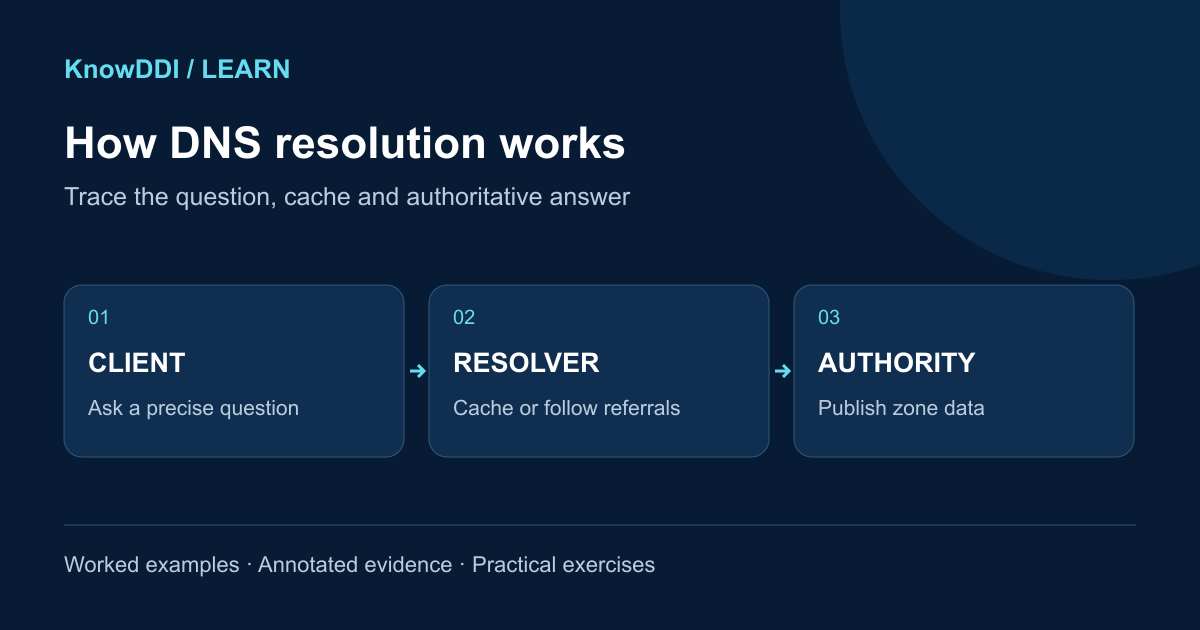
Most DNS lookups involve two different jobs. A recursive resolver finds an answer on behalf of a client and caches what it learns. An authoritative server publishes the official data for a DNS zone. Treating those roles as interchangeable makes troubleshooting much harder.
Your device usually sends its question to a configured recursive resolver. If that resolver already has a valid cached answer, it can respond immediately. If not, it follows referrals through the DNS hierarchy until it reaches a server authoritative for the requested name.
A lookup, step by step
For a name such as app.example.com, a resolver may ask a root server where to find the .com namespace, then ask a .com server where to find example.com, and finally ask an example.com authoritative server for the record. In practice, caching means resolvers rarely repeat every step for every query.
- The client checks local name information and sends a query to its resolver
- The resolver returns a cached answer or starts iterative discovery
- Referrals lead the resolver toward the authoritative zone
- The final answer is returned and cached for its remaining TTL
TTL is a consistency tradeoff
A record’s time to live (TTL) tells caches when they must consult the source again. RFC 8767 permits serving expired data when authoritative refresh fails, subject to the resolver’s serve-stale policy. A long TTL reduces query volume and improves resilience when authoritative servers are briefly unreachable. A short TTL lets changes become visible sooner, but increases dependency on the authoritative service.
Changing a TTL does not invalidate copies that are already cached. If you plan a migration, reduce the TTL early enough for older cached values to expire before the change.
A useful troubleshooting order
Start with the exact name, record type, and resolver the client is using. Then compare the recursive answer with the authoritative data. Check response codes, delegation, TTL, DNSSEC validation status, search suffixes, and split-horizon views before assuming the application is at fault.
Ask three questions: Who did the client ask? Who is authoritative? Is the answer still cached?
Worked example: a cached answer during a migration
The following output is synthetic. In a lab, substitute your own resolver and authoritative-server addresses. At 09:00 a resolver cached app.example. for 300 seconds at .10. At 09:01 an operator changed the authoritative A record to .20. At 09:02 the answers below are consistent with an ordinary unexpired cache.
$ dig @192.0.2.53 app.example. A +noall +comments +answer
;; status: NOERROR; flags: qr rd ra
app.example. 180 IN A 192.0.2.10
$ dig @192.0.2.54 app.example. A +norecurse +noall +comments +answer
;; status: NOERROR; flags: qr aa
app.example. 300 IN A 192.0.2.20- @ selects the server explicitly, and the final dot avoids search-suffix ambiguity.
- The recursive answer has 180 seconds left; the authoritative answer publishes the current record with its configured TTL.
- AA describes authority for the answer. It does not authenticate it cryptographically; AD has a separate meaning on a trusted validating-resolver path.
Practice: reason about expiry and negative replies
Spend about seven minutes drawing a timeline from 09:00 to 09:06. With no serve-stale behavior, the resolver must refresh after 09:05 before it can reuse an expired record. Lowering the authoritative TTL at 09:02 would not shorten that existing cached copy.
Now suppose refresh fails because the authority is unreachable. RFC 8767 permits a configured resolver to serve retained expired data. A short positive reply TTL can accompany that stale answer; the TTL alone is not proof that a new authoritative lookup succeeded.
- Explain why .10 at 09:02 is expected and when you would retry.
- Compare NXDOMAIN (name absent) with NOERROR and no requested RRset (NODATA); capture the authority/SOA section for negative-cache evidence.
- For a signed negative response, inspect validation of NSEC or NSEC3 proofs; merely seeing AA or an RRSIG is insufficient.
Expected result: separate cache age, authoritative state, and validation. Do not promise that every client will switch at one exact TTL deadline.
Make the lesson stick
Answer these quick questions. A perfect result marks the lesson complete.
References and further reading
KnowDDI lessons are explanatory guides. Standards and primary documentation remain the authority for implementation decisions.