
Allow about 3 minutes to read and 6 minutes for the exercises. Reading is estimated at 200 words per minute; optional videos and lab setup add time. All worked output is synthetic.
What you’ll learn
- Describe the four-message DORA exchange
- Explain lease renewal at T1 and rebinding at T2
- Recognize the role of a DHCP relay
Why DHCP starts with broadcast
A new client does not yet know its IP address, subnet, or DHCP server. It begins by broadcasting a DHCPDISCOVER message on the local network. One or more servers can respond with a DHCPOFFER containing a proposed address and configuration options.
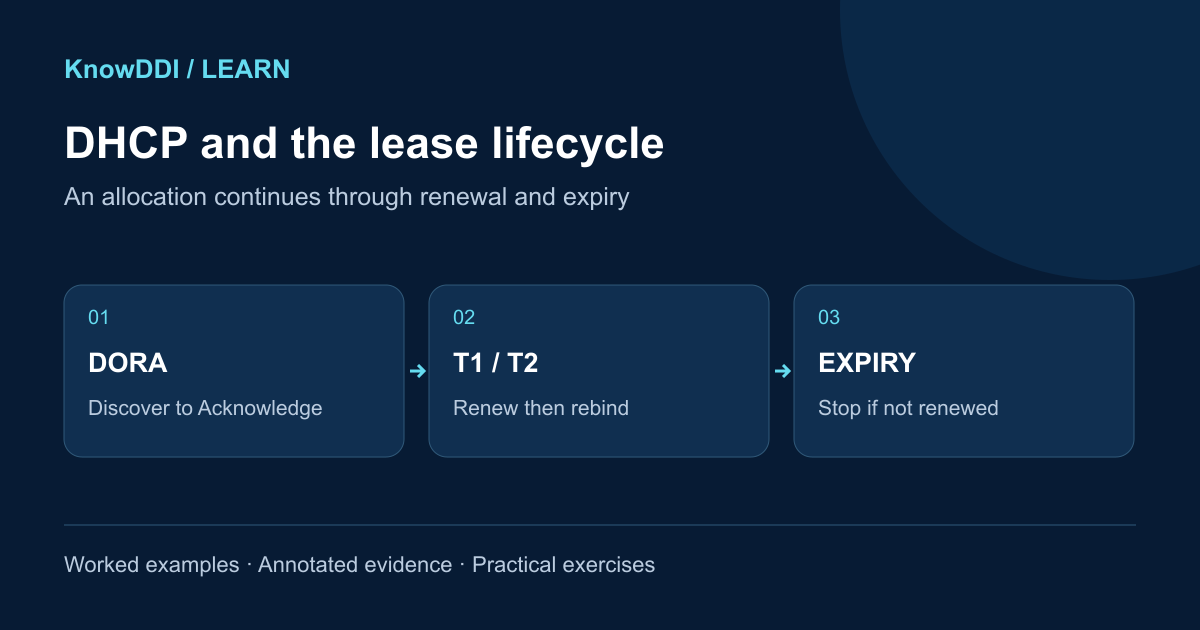
The client broadcasts a DHCPREQUEST identifying the offer it selected. The chosen server commits the lease and replies with DHCPACK. This Discover, Offer, Request, Acknowledge sequence is commonly remembered as DORA.
The lease continues after DORA
A lease is temporary. At the T1 timer, normally halfway through the lease, the client tries to renew directly with the server that granted it. If that fails, the client reaches T2 and broadcasts a rebinding request so another available server can respond. If the lease expires without renewal, the client must stop using the address.
- T1: renew with the original server
- T2: rebind with any responding server
- Expiry: stop using the leased address and start again
Crossing subnet boundaries
Routers normally do not forward broadcasts, so enterprise networks use DHCP relays. A relay receives the client broadcast, adds information about the client’s network, and forwards the request to a DHCP server. The server uses that context to choose the correct scope or subnet.
Relay configuration is one of the first places to look when an entire subnet cannot obtain leases. If only one client fails, inspect client state, reservations, pool availability, policy, and conflict detection.
What DDI adds
When DHCP and IPAM share state, operators can see pool utilization, reservations, active leases, and address history together. When DHCP also performs controlled dynamic DNS updates, a device’s name and address lifecycle remain aligned.
A successful ping does not prove DHCP is healthy; verify the lease, options, timers, and server identity.
Worked example: read a lease timeline
This synthetic DHCPv4 lab has a client on 192.0.2.0/24 and a server reached through relay 192.0.2.1. The server grants an eight-hour lease at 09:00 with default T1 and T2 fractions. Explicit server timer options can change these values.
$ tcpdump -nn -vvv -r lab-dhcp.pcap 'udp port 67 or udp port 68'
09:00:00 Discover xid=0x1234 client=lab17 giaddr=192.0.2.1
09:00:00 Offer    xid=0x1234 yiaddr=192.0.2.74 server=198.51.100.10
09:00:01 Request  xid=0x1234 requested=192.0.2.74 server=198.51.100.10
09:00:01 ACK      xid=0x1234 lease=28800 router=192.0.2.1 dns=192.0.2.53
13:00:01 T1: renewal request to granting server
16:00:01 T2: rebinding broadcast if no renewal succeeded
17:00:01 Expiry: stop using address if no ACK arrived- This is an annotated summary, not literal tcpdump formatting; match the transaction and client identifiers in your actual capture.
- giaddr supplies relay context used for subnet selection; yiaddr carries the offered client address.
- 8 hours × 0.5 = 4 hours to T1; 8 × 0.875 = 7 hours to T2. A successful renewal restarts the lease timeline.
Practice: find the missing exchange
Spend six minutes on this variant: clients on one VLAN send Discover messages, but the server capture shows none. A neighboring VLAN works and the target pool has free addresses.
- List two boundaries to inspect before changing pool size: the relay configuration and the routed/filtering path to the server.
- If the server later shows Offers but clients see none, trace the return path and relay forwarding.
- After a fix, verify mask, gateway, DNS servers and timers in the ACK, not just the address.
Expected reasoning: available leases do not prove requests can reach the server. Compare the same transaction on both sides of the relay; do not repeatedly release a production client lease as your first diagnostic step.
Make the lesson stick
Answer these quick questions. A perfect result marks the lesson complete.
References and further reading
KnowDDI lessons are explanatory guides. Standards and primary documentation remain the authority for implementation decisions.